DNA Matches
Rebuilding DNA Matches as a fully native, feature-complete experience — and closing the gap between the mobile and web DNA teams.
- ROLE
- Designer
- TIMELINE
- 2021–2024
- PLATFORMS
- iOS · Android
- COMPANY
- Ancestry
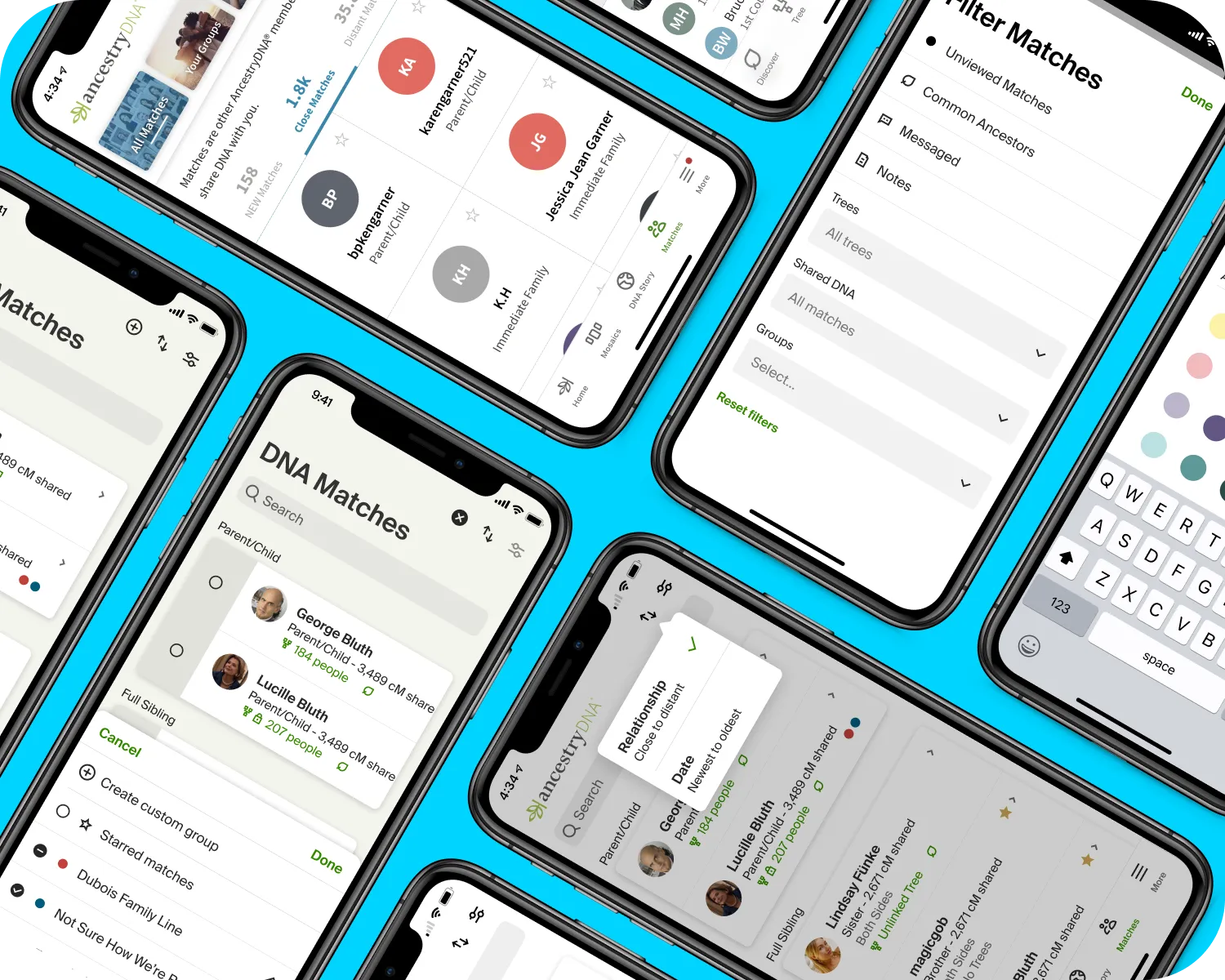
At a glance
- Role: Designer
- Timeline: 2021–2024
- Platforms: iOS · Android
- Context: DNA Matches had started life as an embedded webview
The problem
DNA first showed up inside the Family History app as an embedded webview — the pragmatic call when there wasn’t a team to build it natively. Later the dedicated DNA app team shipped a native Matches feature, but a lightweight one, well short of what the web experience could do. This project was about closing that gap: a comprehensive, genuinely native DNA Matches.
The approach
I started by laying the app and web feature sets side by side and prioritizing a roadmap out of the difference. Matches isn’t a casual feature — people lean on it for real genealogical research, so anything that shipped had to hold up against what they were used to on the web. Existing user research told me which information and actions actually mattered, so parity meant matching what people needed, not cloning every control.
We shipped in phases — the early ones internal only — and turned on customer releases once the experience was solid. All of it happened while the app was migrating from the legacy design system to Ancestry’s new one, so every screen had to be right in the new language too.
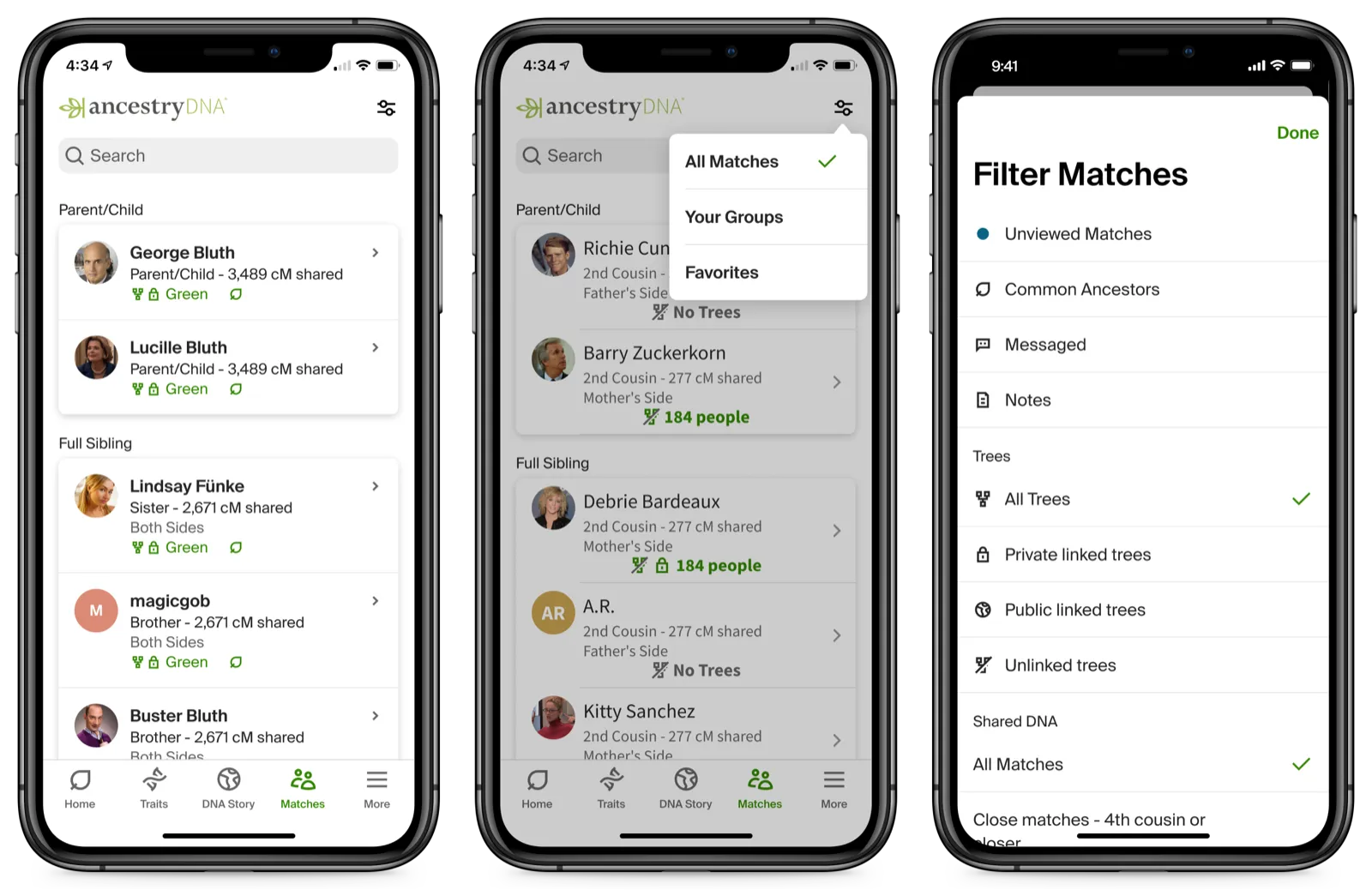
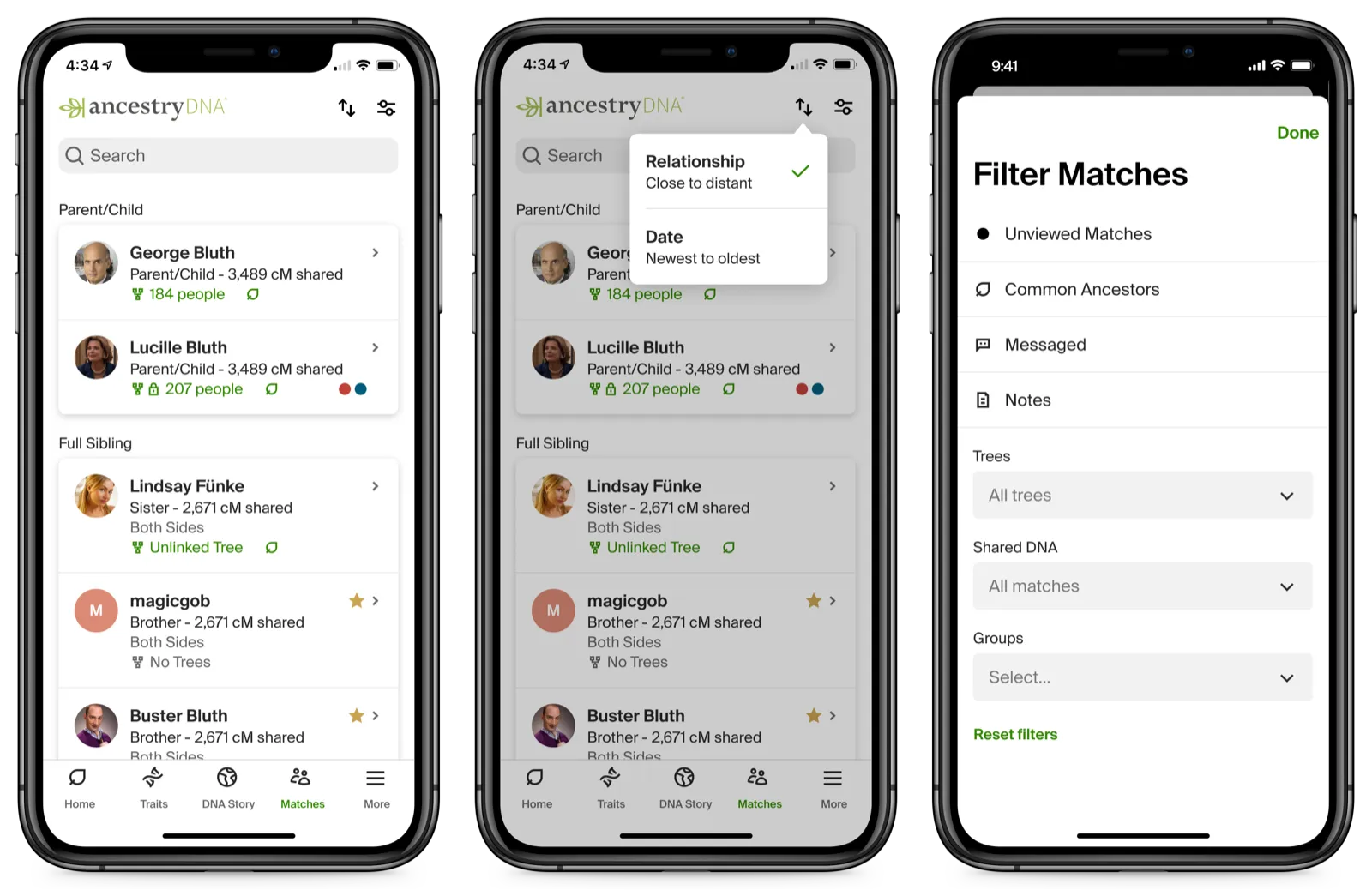
Outcome
Customers got the fuller experience they expected. But the outcome I valued most wasn’t a screen — it was that the mobile and web DNA teams came out of this working together, with a coordination habit that set up the features that came after.